shared-lists.com works without an account — no sign-up, no email, no password. But that raises a fair question: where do your lists actually live, and what do we know about you?
Where are my lists right now?
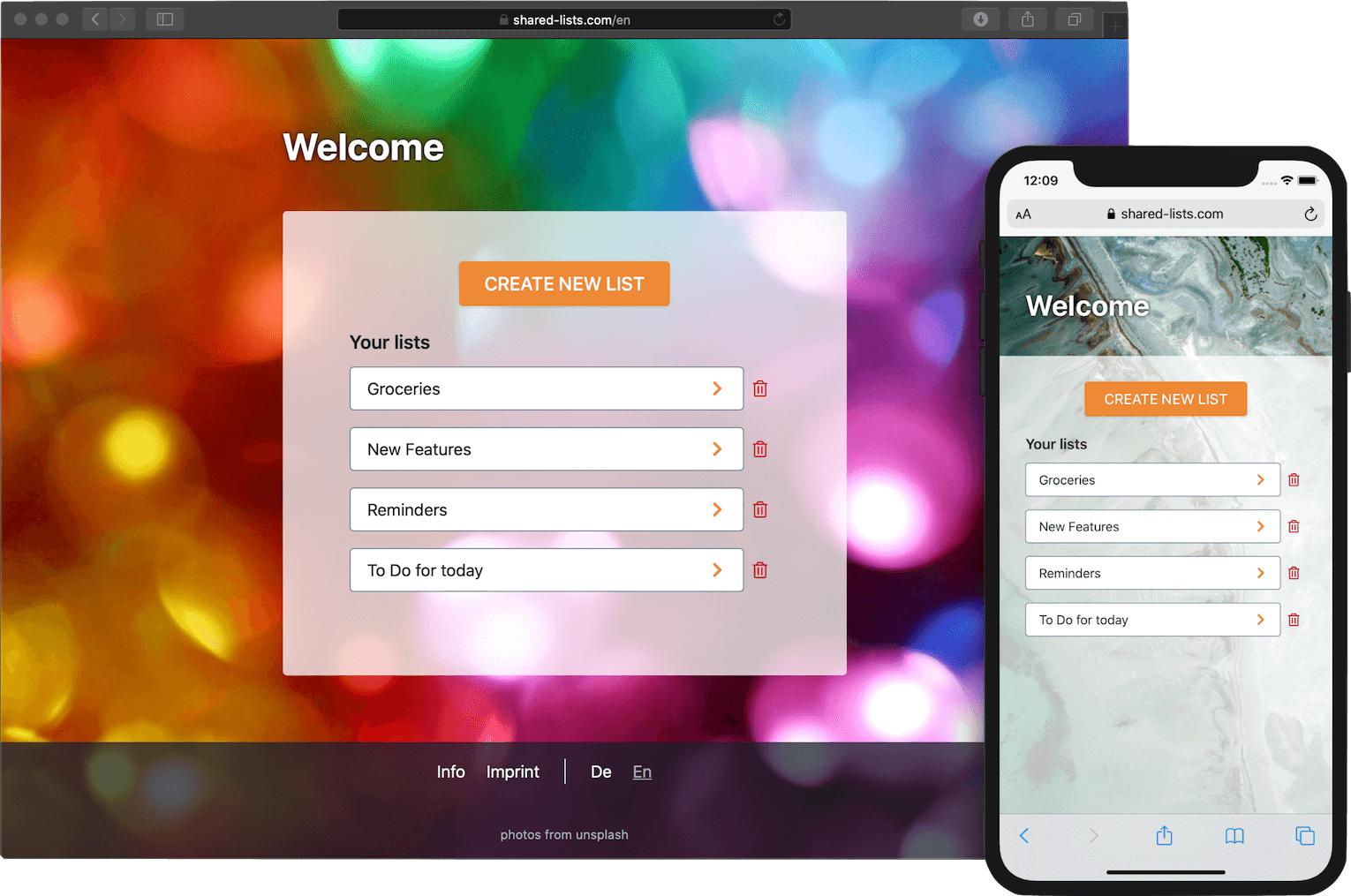
By default, your lists are stored only inside your browser — in something called local storage. Think of it like a note stuck to your browser window: it's yours, only you can see it, and it never leaves your device.
The catch: local storage is tied to one specific browser on one specific device. Your lists in Safari on your iPhone won't show up in Chrome on your laptop. And if you clear your browser data — or if Safari does it automatically — the note disappears.
But the list itself still exists on our server. You've just lost your way back to it. That's what the server backup below is for.
Can you see my lists?
Yes and no — and this part is worth understanding clearly.
Yes: The lists you create are stored on our server so that anyone with the link can open them. The titles, items, and everything you write is stored there.
No: We have no idea who you are. You are identified only by a randomly generated code like a3f7c2b8... — a number our system created, not something that comes from you. There is no name, no email address, no IP address stored alongside it.
One important caveat: if you write your own name inside a list title or a list item, we can read that text. We just have no way to connect it to you as a person specifically.
Optional: never lose your lists — the server backup
If Safari or another browser ever wipes your local storage, you'd lose track of all your lists. The server backup prevents this.
When you opt in, we save a small record on our server: just your list names and the IDs needed to get back to them. This record is linked to your browser via a cookie — a tiny label your browser keeps and sends back to us on each visit.
What we save: only list names and list IDs — not the list contents.
How to enable it: accept the offer on the home page banner.
How to remove it: clear the device_key cookie in your browser settings.
Want to understand the technical details? Read more →
Your privacy in plain language
- No account. No email, no password — ever.
- We cannot identify you from the data we store. All identifiers are randomly generated.
- The only way we'd know something personal is if you wrote it in a list item or title.
- We don't sell or share your data with anyone.
- You can ask us to delete everything: contact us via the email address in our Imprint.